
featured work
AREN
UI/UX & Iconography Designer · Troubleshooting and live-support interfaces · Interface design for an AI-assisted engineering system
ROLE
CLIENT
DISCIPLINE
UI/UX & Iconography Designer
Confidential
Augmented Reality Interface Design
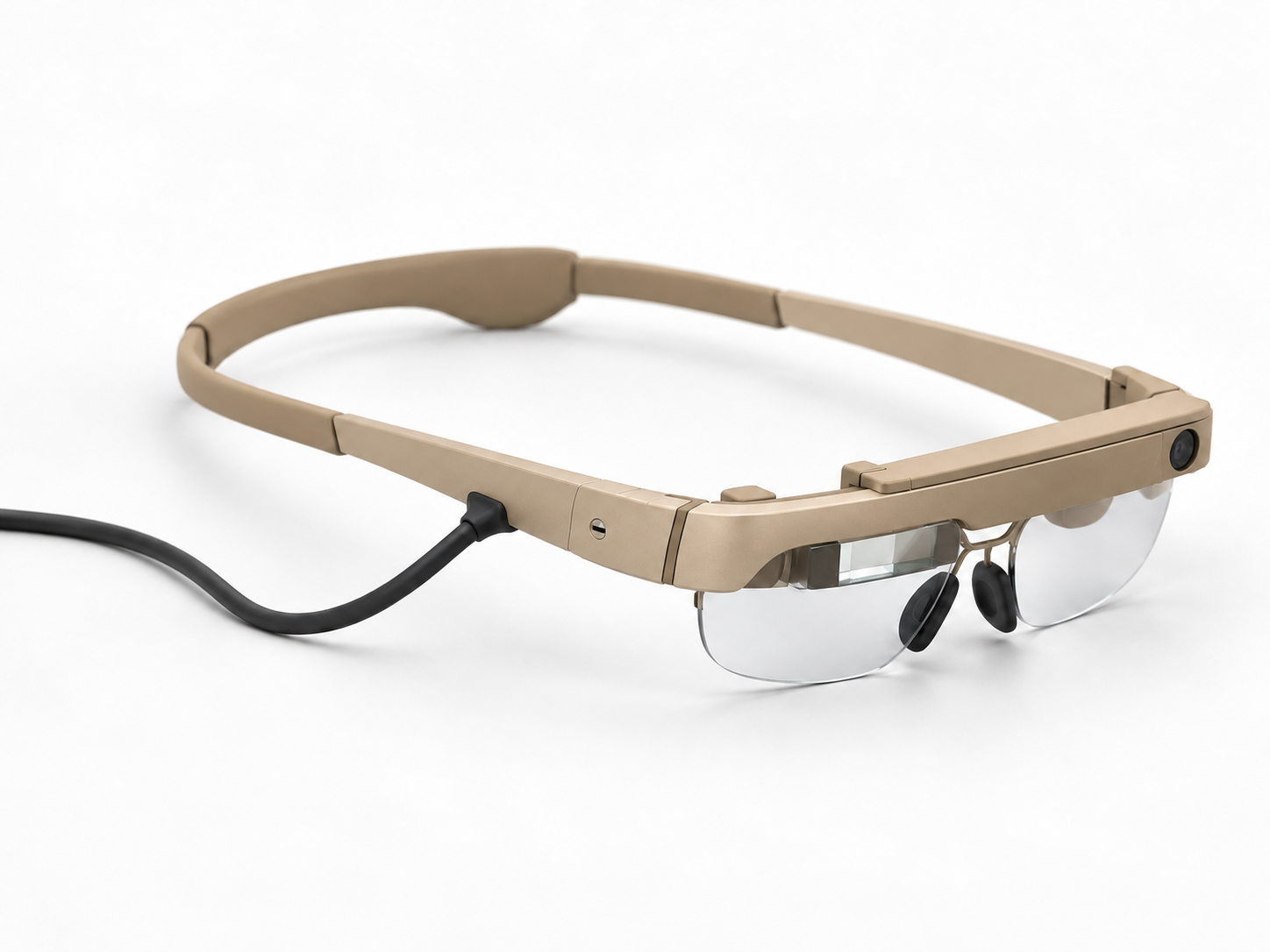
Designing the experience around the technology
I designed the UI/UX, screen graphics and iconography for AREN—the Augmented Reality Engineering Network. I translated AI-assisted troubleshooting and live-support capabilities into an interface for mechanics and engineers working through technical tasks.
My work covered the user-facing interaction sequence, information hierarchy and visual language. The underlying AI and software implementation were handled separately.
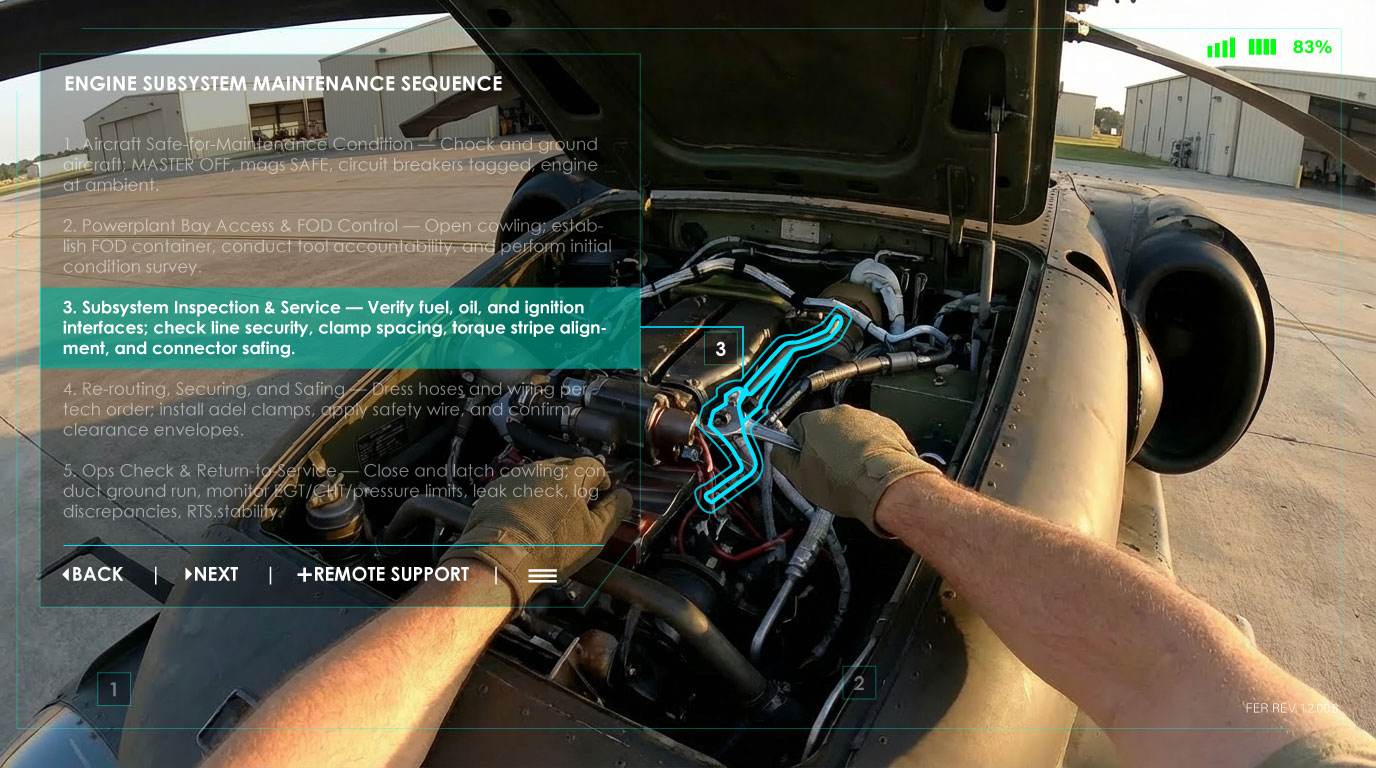
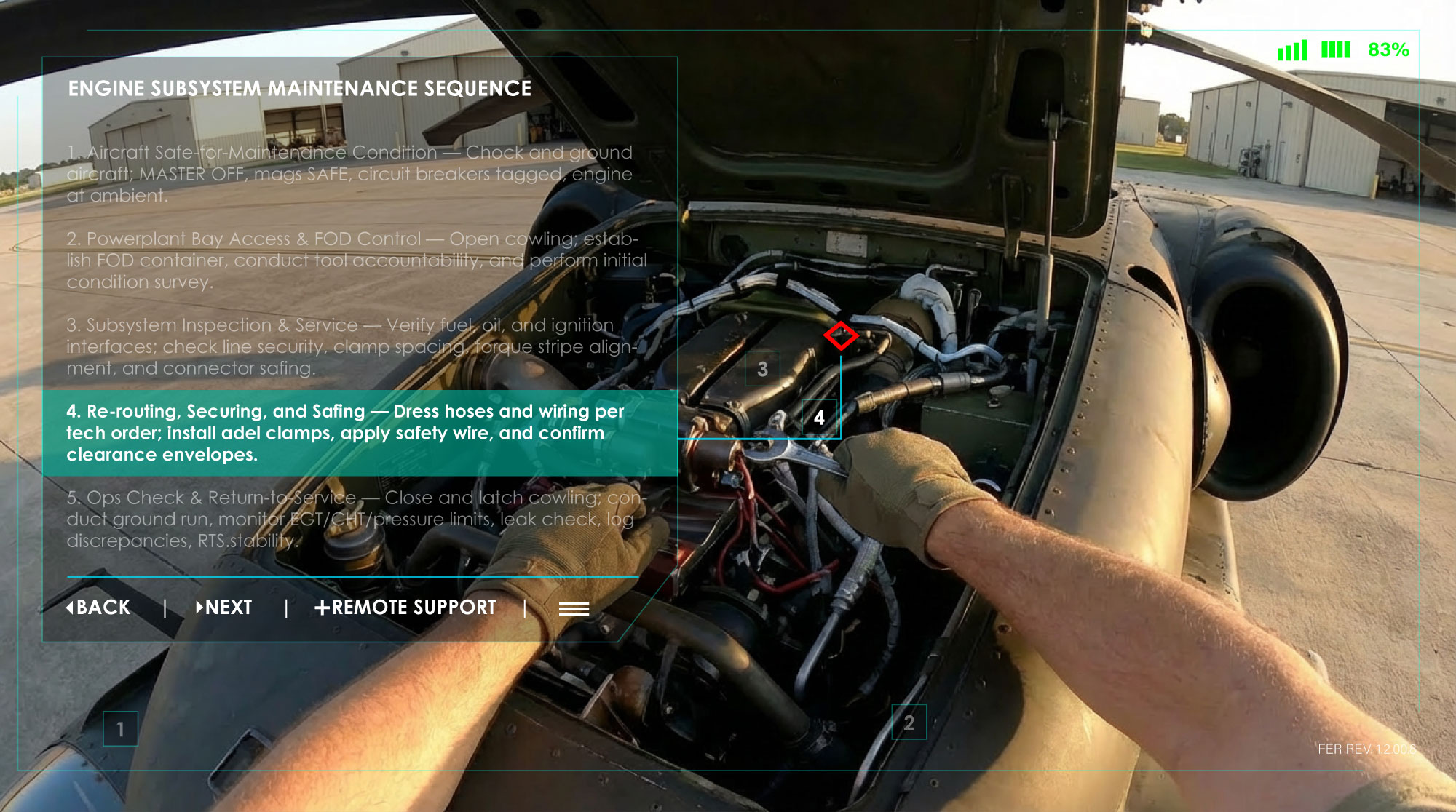
Supporting the maintenance task
I designed the interface through which mechanics and engineers accessed troubleshooting information. The work connected technical content with the controls and navigation needed to move through the experience.
Connecting assistance to the technical task
I designed the interface and iconography through which users accessed troubleshooting and live support. This supporting view provides context for that user-facing design work.
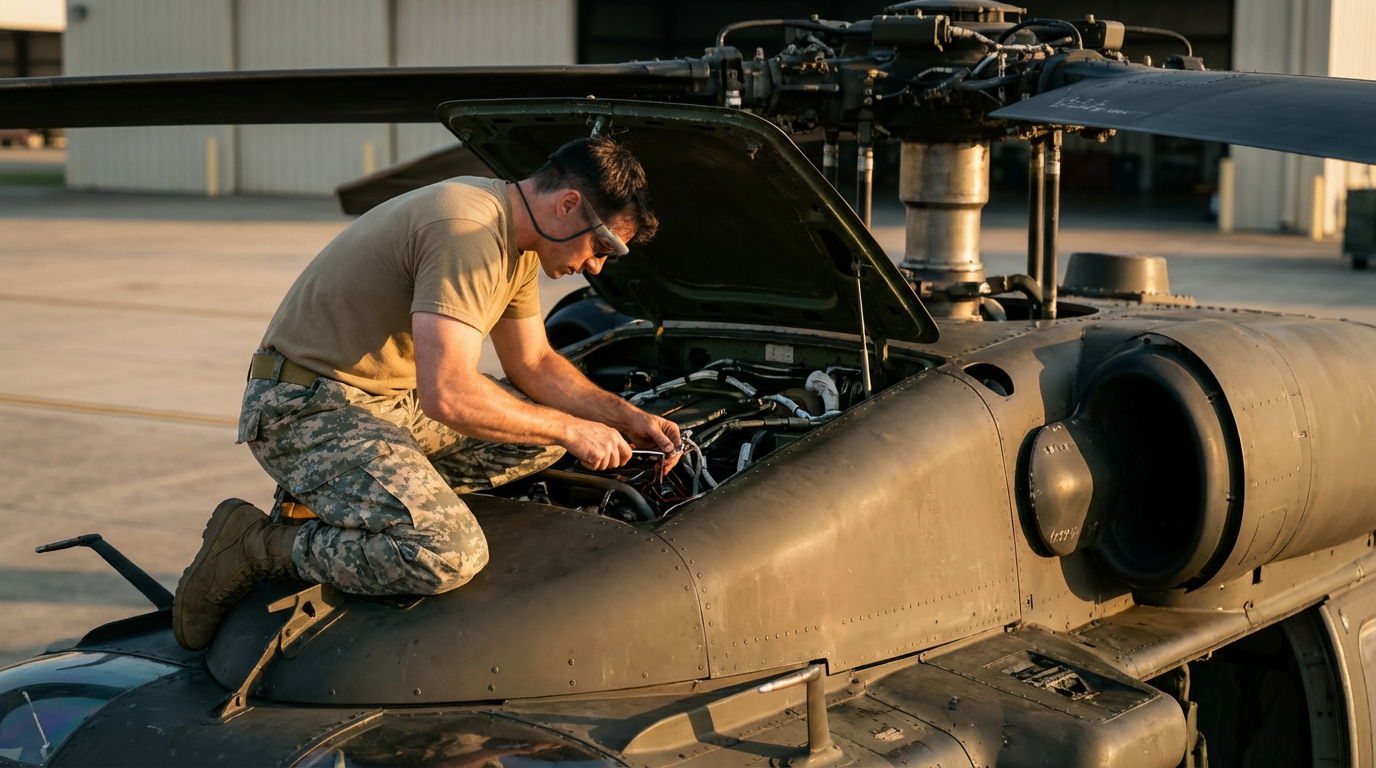
Considering the working context
AREN supported mechanics and engineers across multiple platforms. That context informed my UI/UX scope: designing how people would encounter and use assistance while working through a mechanical problem.
AI-generated visualization based on my original 3D design.
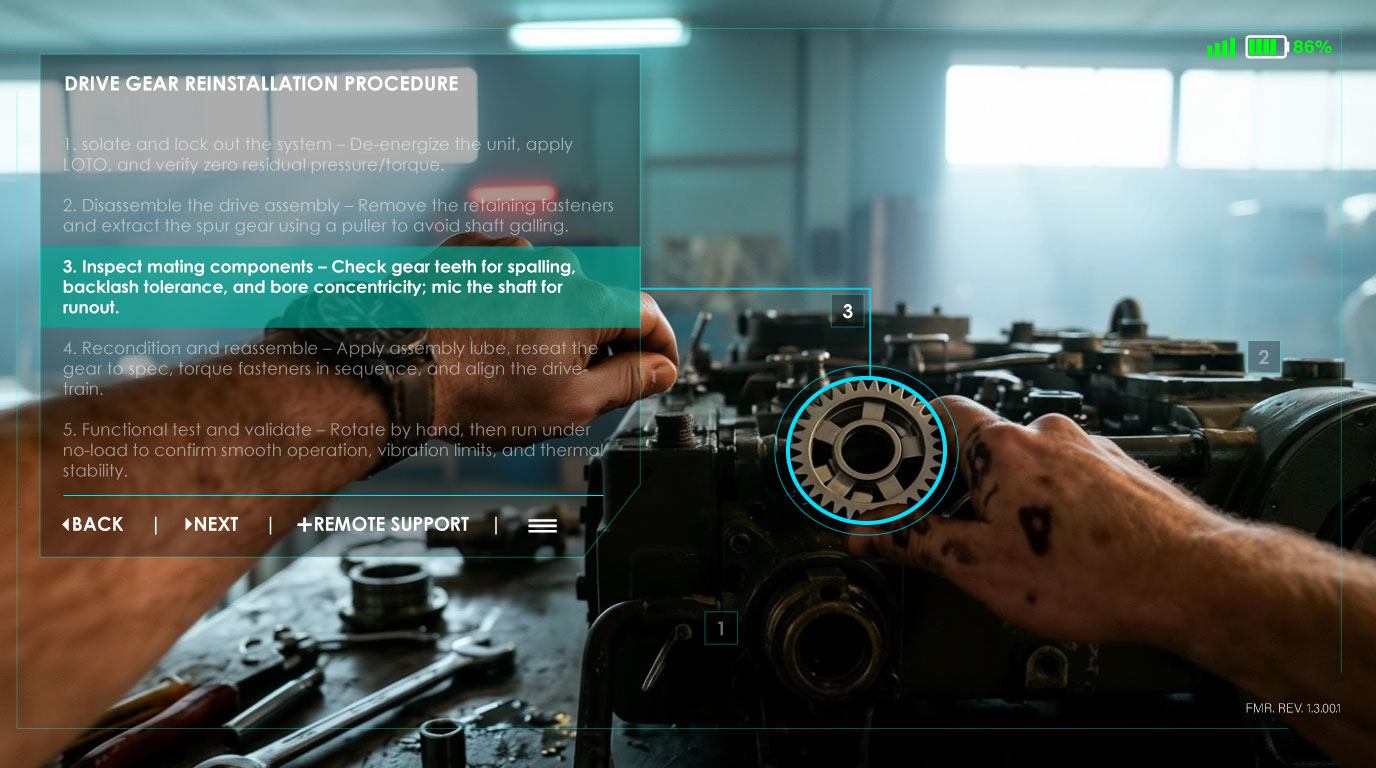
Bringing instructions and controls together
My interface work brought task information and interaction into the same visual experience. I designed the UI/UX and iconography that supported access to the system’s troubleshooting and live-support capabilities.

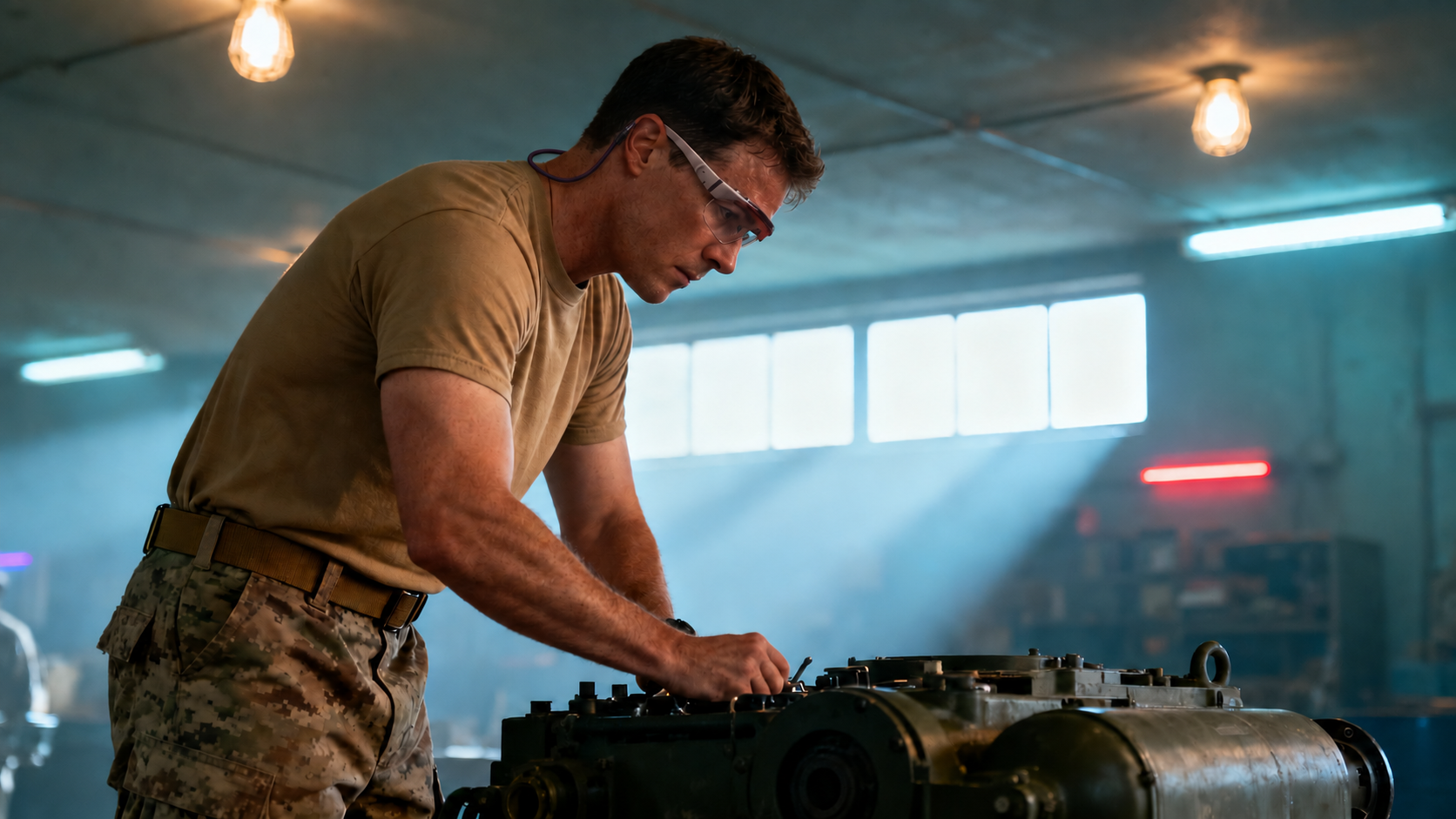
Designing for connected support
AREN could connect users with others for live assistance. I included that capability within the UI/UX work, considering the user-facing experience of moving between system guidance and help from another person.
AI-generated visualization based on my original 3D design.
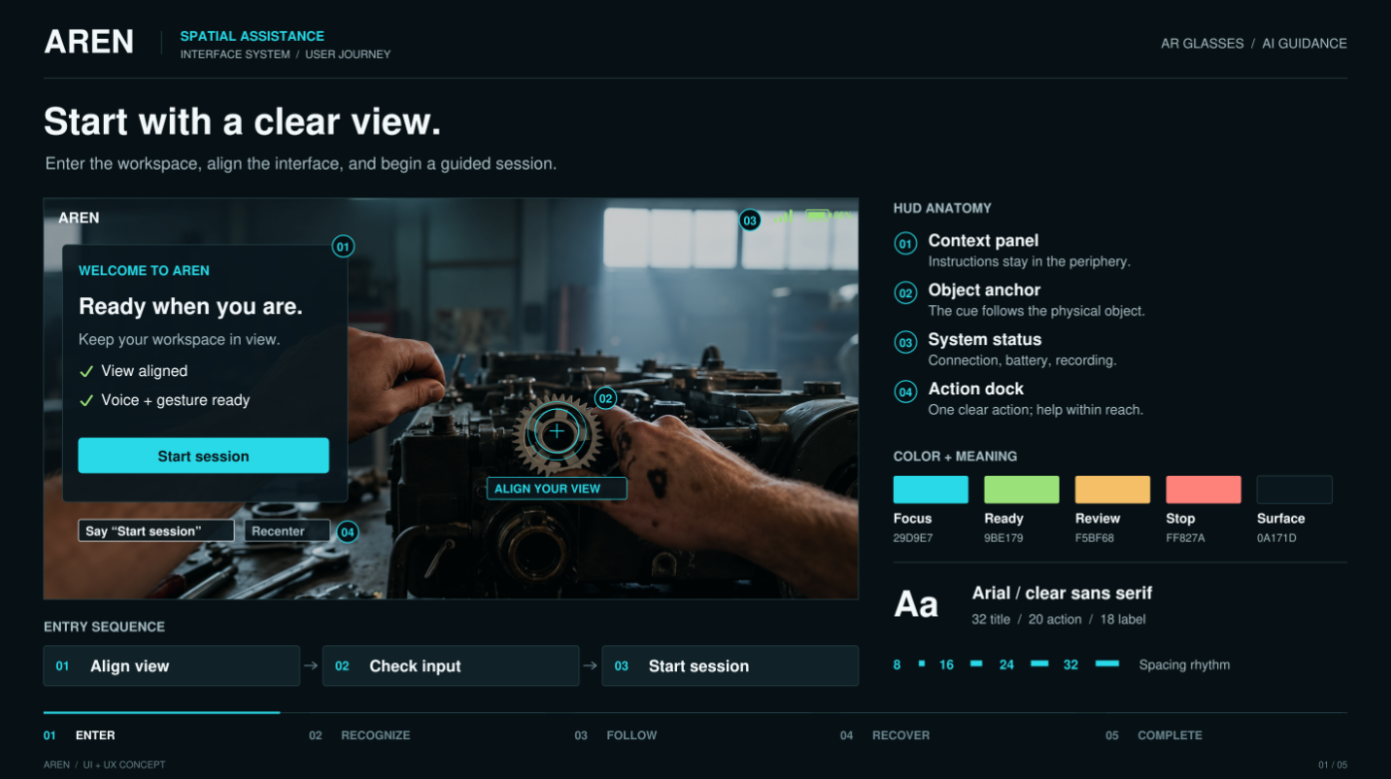
Establishing the interface language
I designed the interface and its iconography together, giving controls, information, and visual cues a shared design direction. This was my contribution to making the system’s capabilities accessible through a user-facing experience.
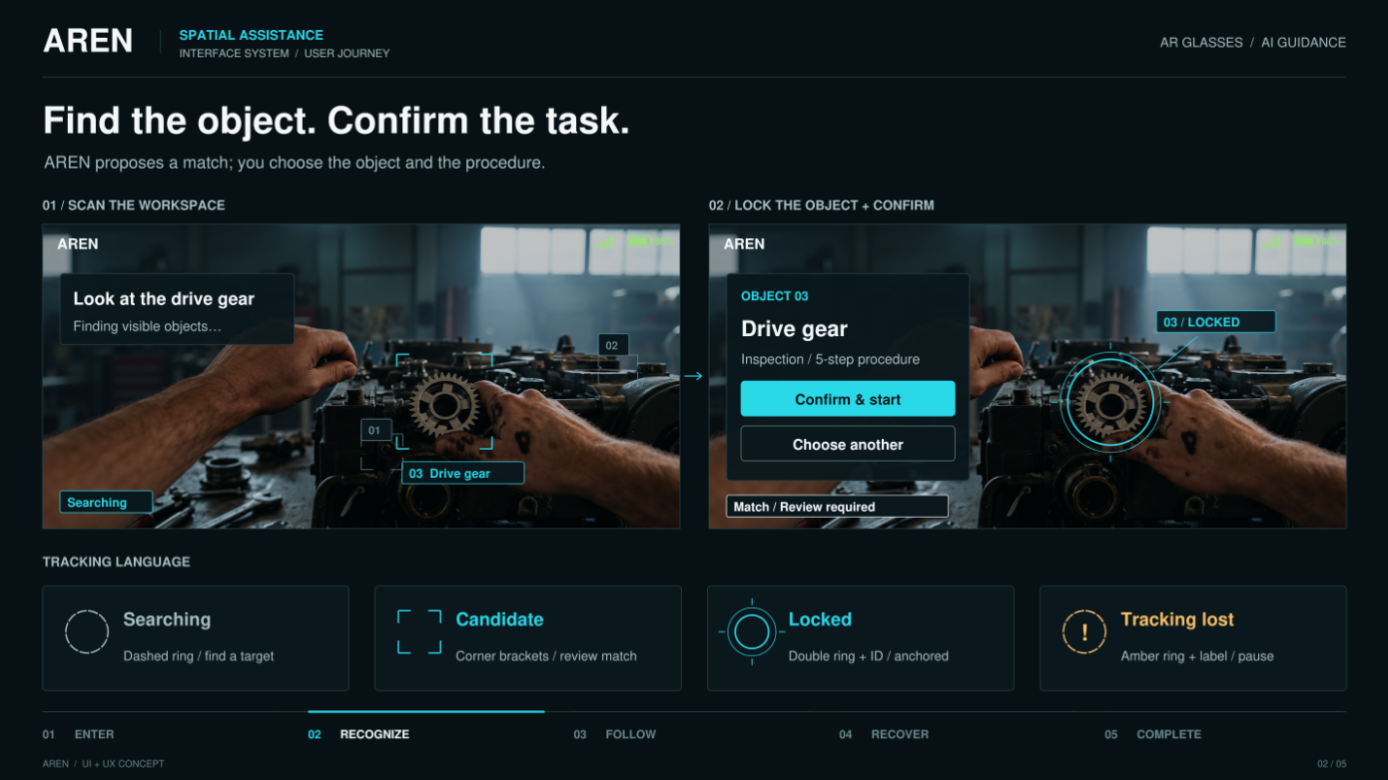
Organizing the interaction sequence
The UI/UX work considered how users moved through a technical task. I developed the interface presentation and icons as parts of that sequence, connecting the available system functions with the user’s interaction.
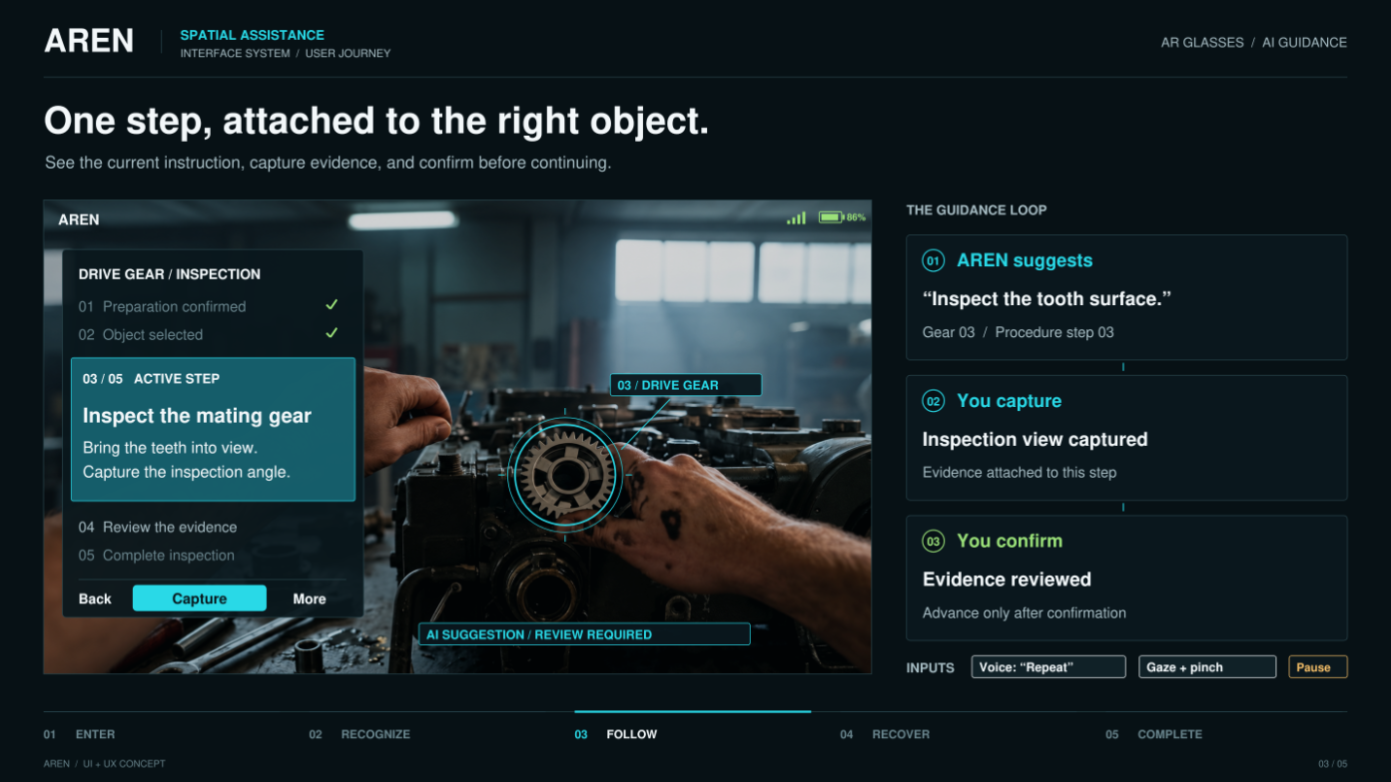
Keeping guidance connected to the task
I designed how the system presented assistance within the troubleshooting experience. My scope was the interface and visual communication of those functions; the underlying AI and software implementation were handled separately.
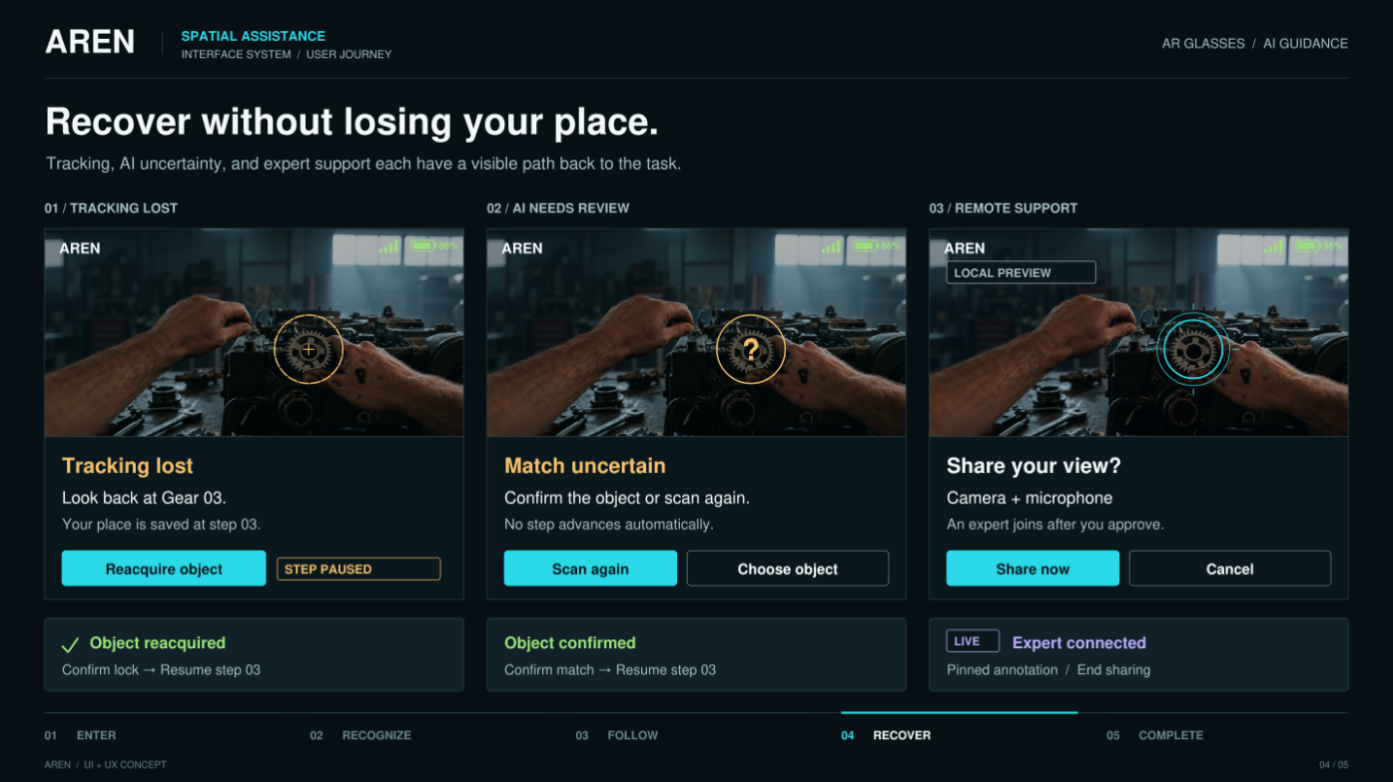
Addressing support within the flow
The interface work included the experience of accessing live assistance alongside troubleshooting. I brought interaction design and iconography into a system that combined several technical capabilities.

Experiential Design
26 DEFENSE

Experiential Design
GUBER'S RUN
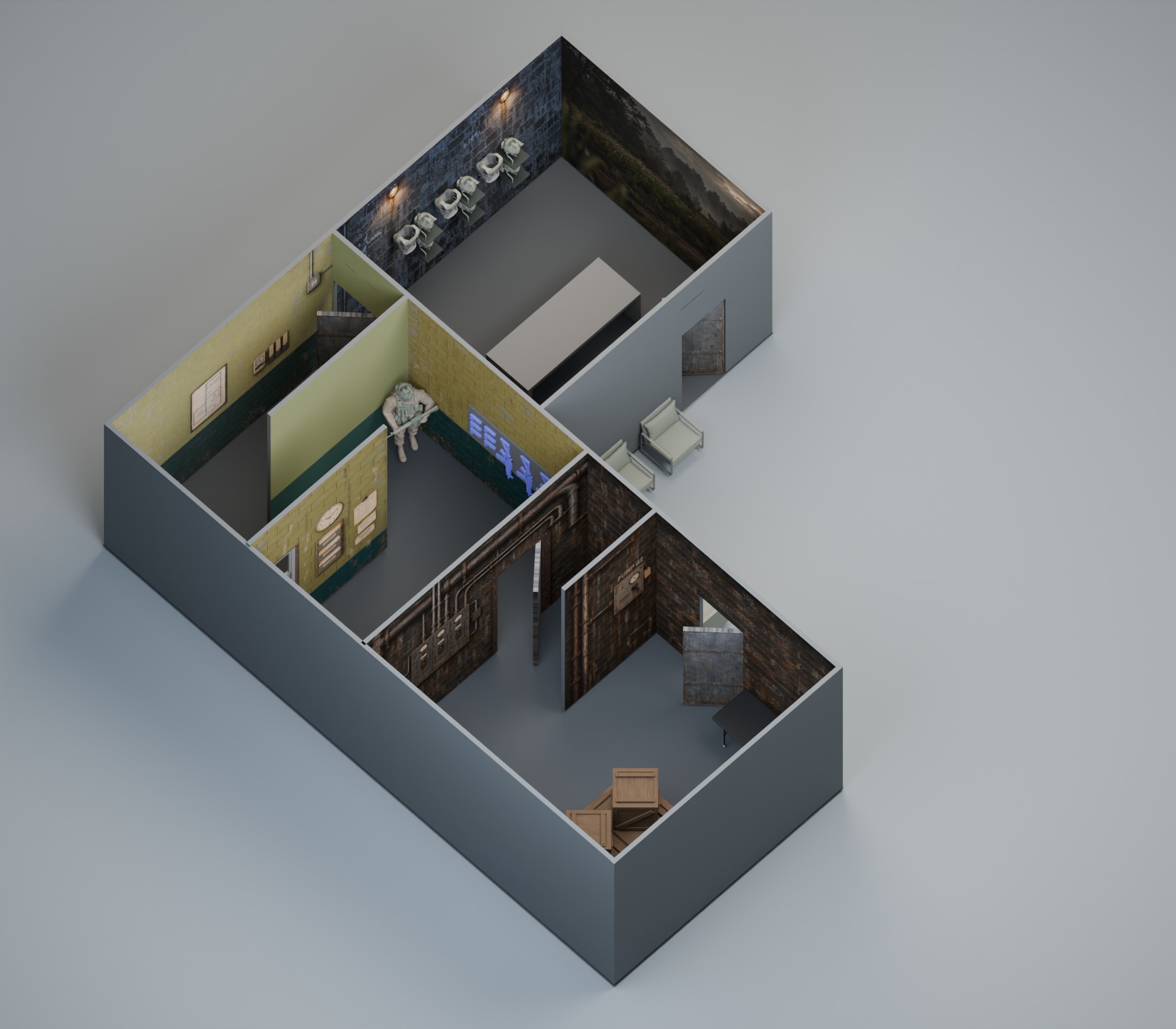
Experiential Design
PRIMEX

Experiential Design
LIKE BIRDS

Creative Technology
MY AI WORKFLOW:
3D to RENDER
.png)
Creative Technology
MY AI WORKFLOW:
NEURAL NETWORK TRAINING

Creative Technology
MY AI PROJECT:
EDGE INFERENCING

Creative Technology
NEXT GEN COCKPIT

Creative Technology
ZERO-G
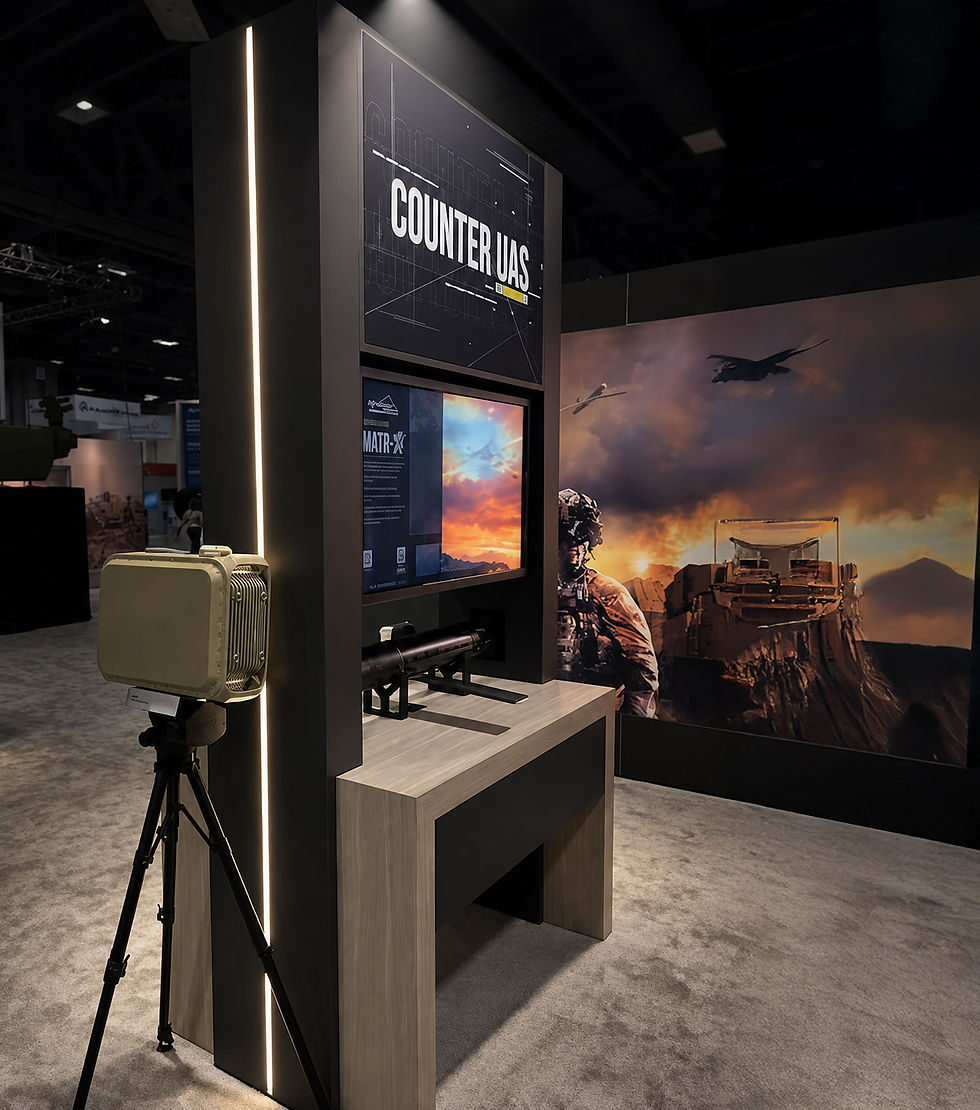
Creative Technology
INTERACTIVES

Creative Technology
AREN

Art Direction
ANGRY BIRDS

Art Direction
COMMISSIONED PAINTINGS

Art Direction
CREATURE / CHARACTER DESIGN

Art Direction
VALUSOFT / COSMI

UI/UX Development
2ND GEAR

UI/UX Development
LA HOMES AND ARCHITECTURE

UI/UX Development