
featured work
MY AI WORKFLOW:
3D to RENDER
AI Visualization Workflow Developer · 3D-guided AI imagery · Finished marketing renders
ROLE
CLIENT
DISCIPLINE
AI Visualization Workflow Developer
Self-initiated AI application
CAD and AI Visualization
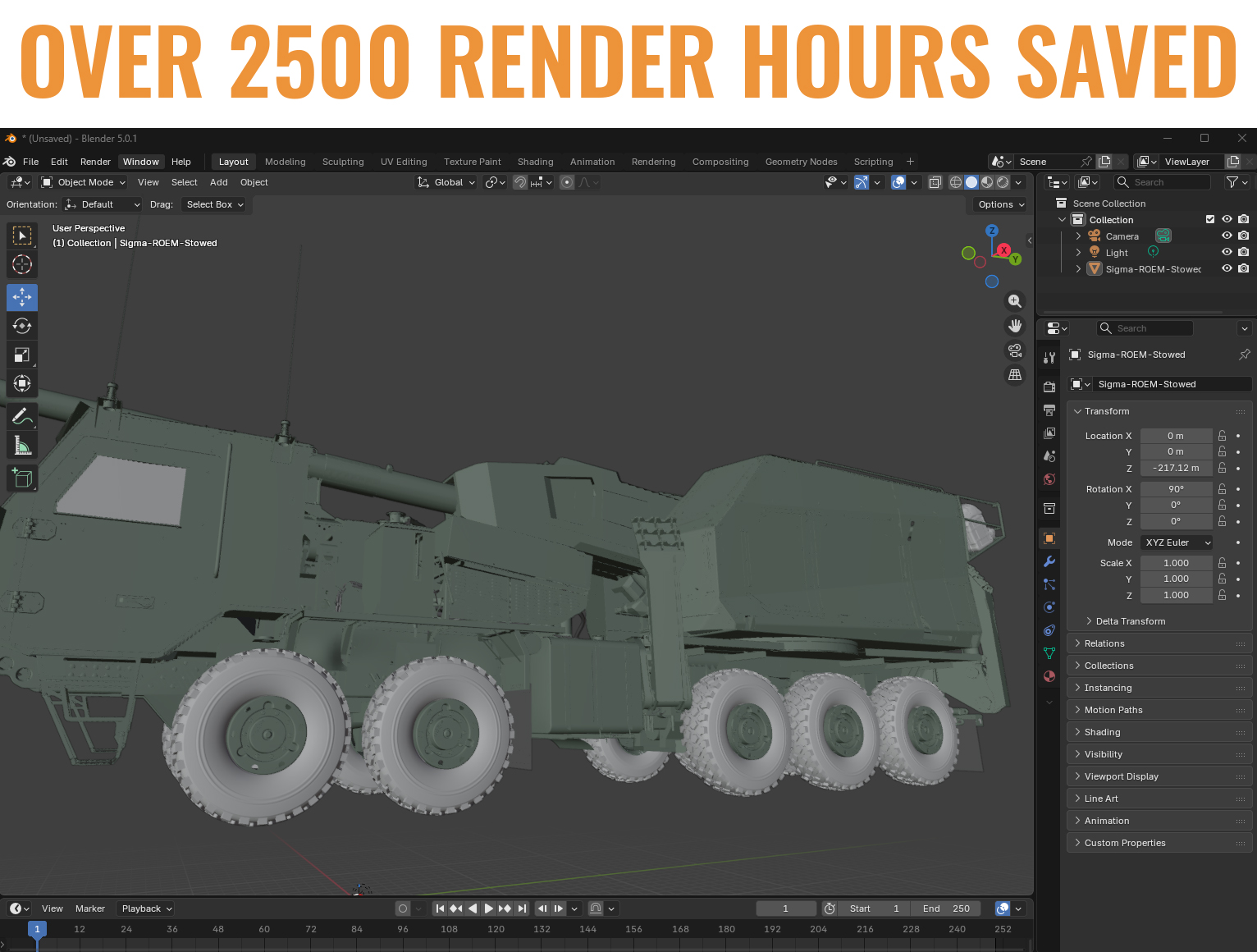
Establishing the source geometry
I developed this workflow around a 3D asset that establishes the intended product shape and proportions. My scope combined brand graphics, camera composition, lighting direction, AI-assisted visualization and Photoshop finishing. The source model provides a reference for reviewing generated imagery; it does not guarantee that AI will preserve every detail.
I began developing this approach in 2024 to accelerate asset generation while retaining more control over composition. Framing the product in 3D gives me a reference for its size, shape and perspective, which I compare with the generated output during review.

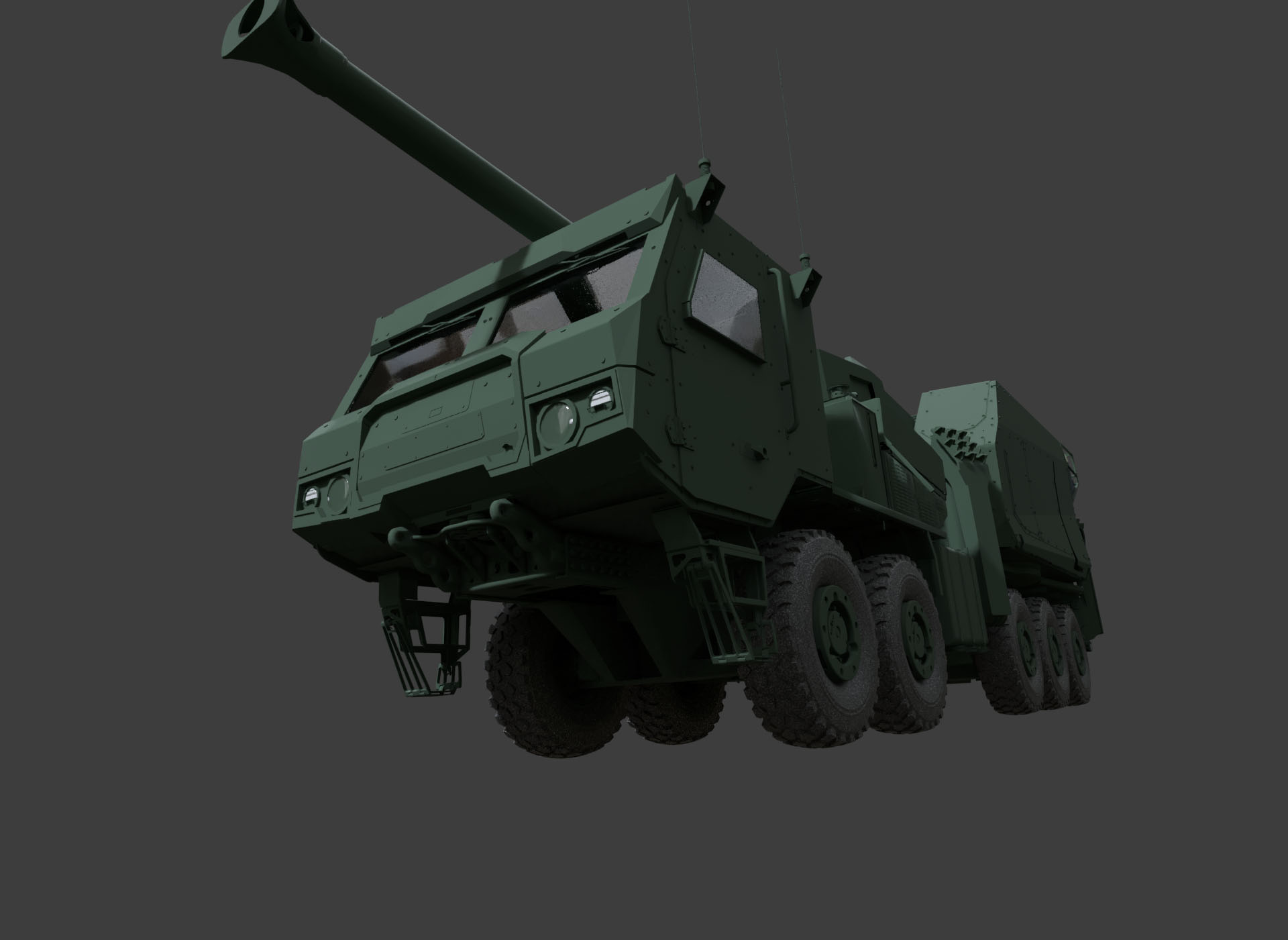
Framing the shot in 3D
I establish the camera position, lens perspective and composition in the 3D scene before generating an image. Simple colors and lighting communicate the intended surfaces and form. My photography and lighting knowledge inform these choices, helping me direct the image rather than relying on a text prompt to invent the composition.
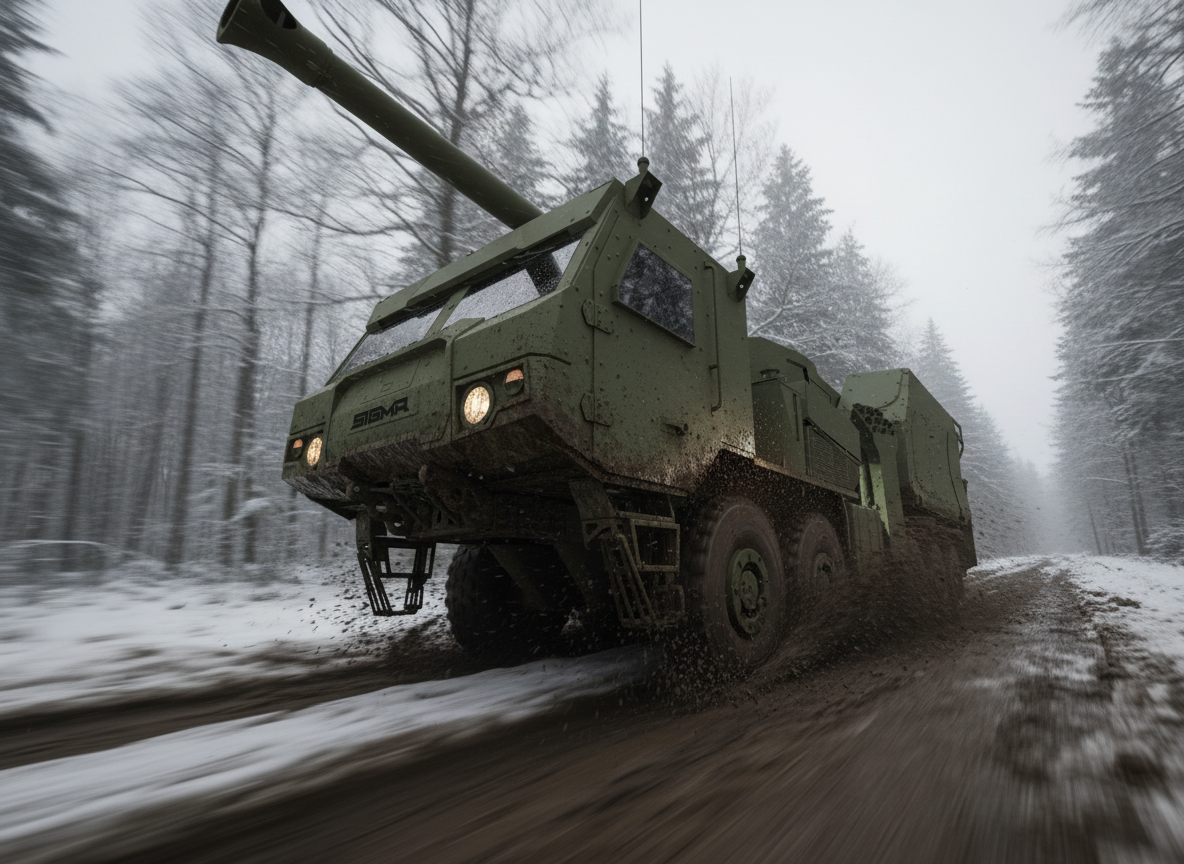
Directing and refining the image
I write prompts that describe the intended materials, camera treatment, lighting and environment, using the framed model view as the visual reference. I compare the output with the source and refine details in Photoshop. Where motion is part of the concept, I use it deliberately to support the composition and sense of speed.
AI-generated visualization based on my original 3D design.

Extending the image into motion
I use the selected image as the starting point for AI-assisted motion studies. Camera movement and atmosphere extend the visual direction established in the still, with review focused on product consistency and the intended presentation.
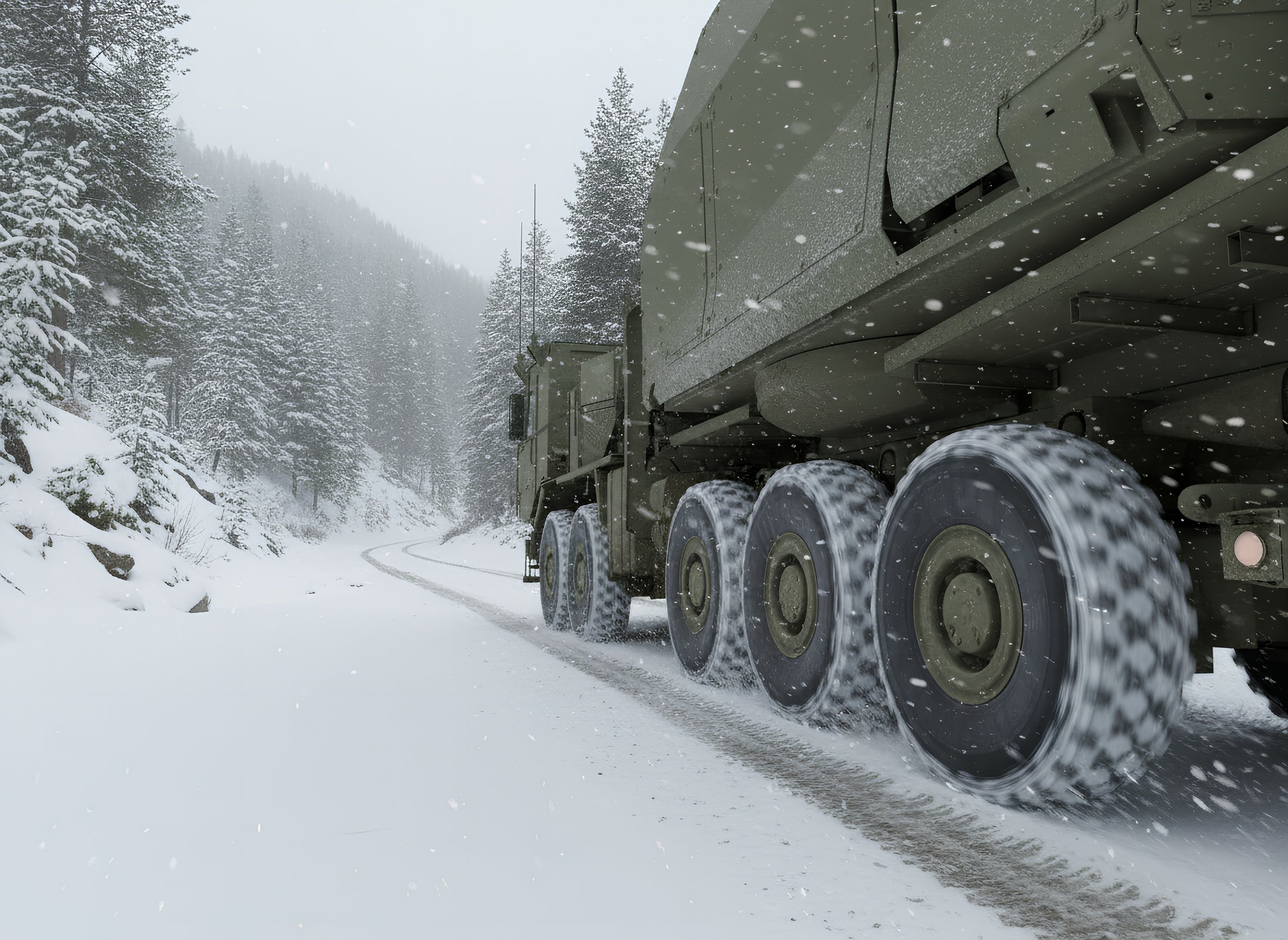
Creating finished marketing collateral
The delivered SIGMA visuals were finished renders for marketing collateral. My workflow combined deliberate 3D composition, AI-assisted rendering, and Photoshop finishing to shorten the path from model to presentation.
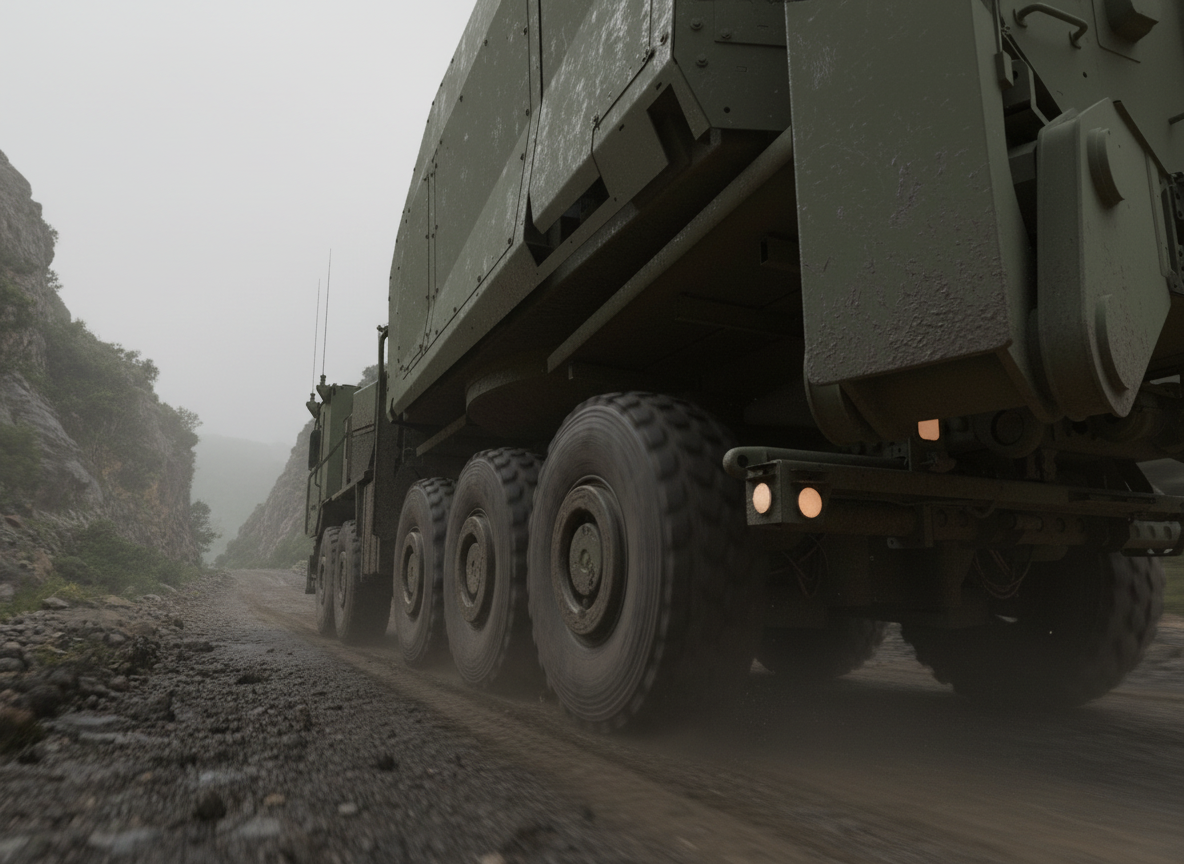
Framing a different product view
Camera position and composition were established before rendering. This let me make the product-view decisions in 3D, then use the rendering stage to develop the atmosphere and finish around that view.

Experiential Design
26 DEFENSE

Experiential Design
GUBER'S RUN
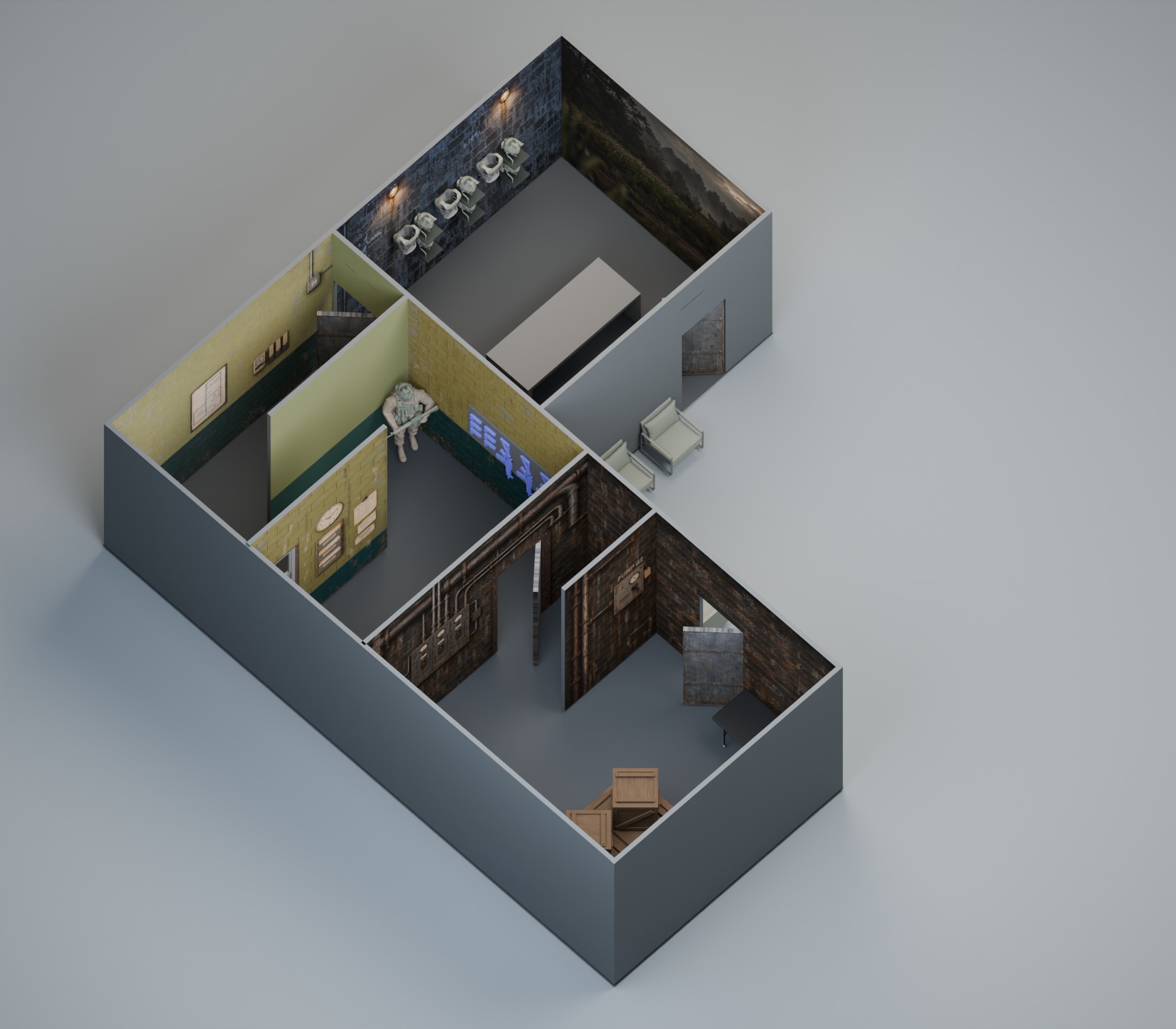
Experiential Design
PRIMEX

Experiential Design
LIKE BIRDS

Creative Technology
MY AI WORKFLOW:
3D to RENDER
.png)
Creative Technology
MY AI WORKFLOW:
NEURAL NETWORK TRAINING

Creative Technology
MY AI PROJECT:
EDGE INFERENCING

Creative Technology
NEXT GEN COCKPIT

Creative Technology
ZERO-G
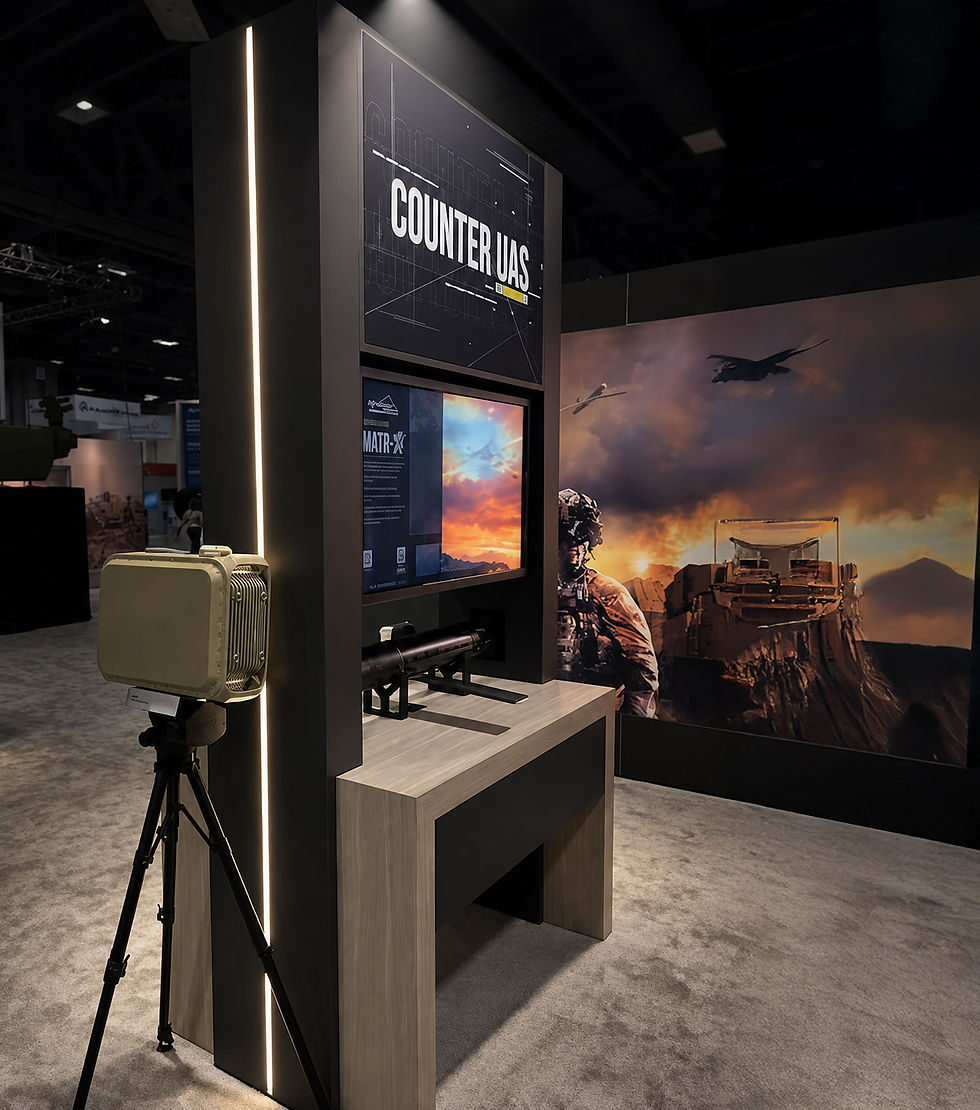
Creative Technology
INTERACTIVES

Creative Technology
AREN

Art Direction
ANGRY BIRDS

Art Direction
COMMISSIONED PAINTINGS

Art Direction
CREATURE / CHARACTER DESIGN

Art Direction
VALUSOFT / COSMI

UI/UX Development
2ND GEAR

UI/UX Development
LA HOMES AND ARCHITECTURE

UI/UX Development